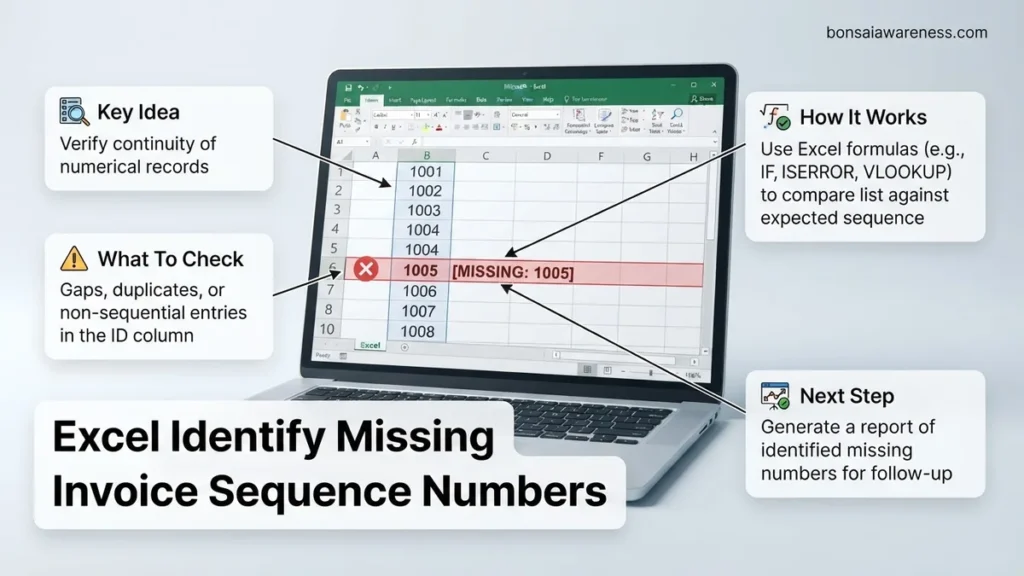
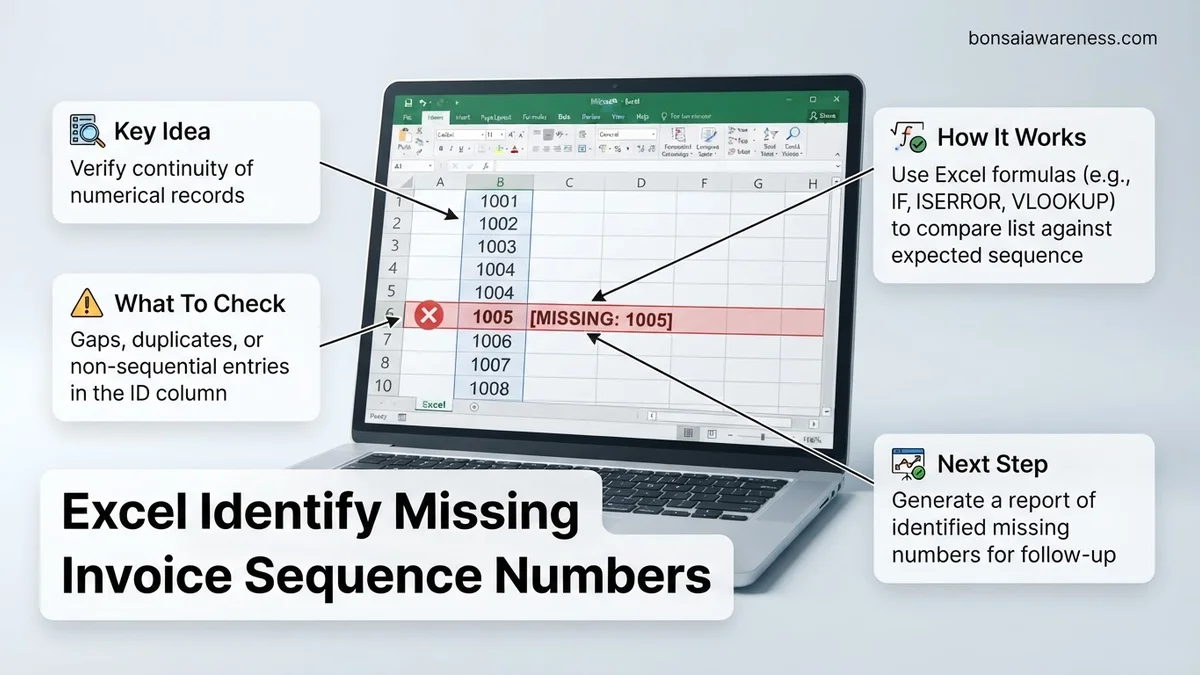
Missing invoice numbers can cause auditing issues and untracked revenue gaps. Using dynamic Excel formulas allows you to automatically detect and list sequence errors. This guide covers helper columns, conditional formatting, and modern dynamic array solutions.
The fastest way to identify missing invoice sequence numbers in Excel is by combining the modern SEQUENCE, FILTER, and ISNUMBER/MATCH functions to generate a dynamic list of exact gaps. If you manage a growing volume of transactions in 2026, finding skipped digits manually is a massive waste of time that invites auditing headaches and lost revenue.
Missing sequence numbers usually point to deleted records, cancelled manual entries, or synchronization bugs in your billing software. Left unaddressed, these audit trail gaps make it look like you are hiding income or operating sloppy books. This guide walks you through the exact formulas and conditional formatting steps to surface those hidden missing numbers in seconds.
Key Takeaways
- Sort data numerically before running gap analysis formulas.
- Use the SEQUENCE and FILTER functions for modern automated gap detection.
- Apply conditional formatting to highlight missing rows instantly.
- Handle alphanumeric prefixes by isolating numeric invoice values.
- Check for leading spaces or text formatting that block numeric comparisons.
What Causes Invoice Sequence Gaps and Errors
Manual Entry Mistakes and Deleted Records
Most invoice gaps happen because someone deleted a row directly from the spreadsheet or accounting ledger. When an employee deletes row 1045 instead of voiding it properly, your sequential chain breaks.
- Accidental row deletions break sequential integrity.
- Manual typing often introduces typos, like skipping a digit block entirely.
- Multiple users editing the same sheet simultaneously create out-of-order logs.
Software Sync Failures and Automated Generation Issues
Modern billing tools often integrate with Excel, but API timeouts can drop sequence numbers during high-volume periods. You might notice jumps in your data set where your CRM generated an invoice ID, but the sync tool failed to push it into your master sheet.
- API integration drops cause numeric skipping in automated exports.
- Offline generation mode creates parallel sequences that clash upon reconnection.
- Batch processing errors leave blank placeholders instead of values.
How to Fix and Identify Missing Invoice Numbers Step by Step
Using Modern Dynamic Arrays to List Missing Numbers
If you are using Excel in 2026, you have access to dynamic array formulas that instantly output every missing sequence number into a separate column. Assume your sorted invoice numbers are in column A, from cell A2 to A100.
- Find your minimum and maximum invoice numbers using =MIN(A2:A100) and =MAX(A2:A100).
- In a blank column, enter the dynamic sequence generator formula: =FILTER(SEQUENCE(MAX(A$2:A$100)-MIN(A$2:A$100)+1, 1, MIN(A$2:A$100)), ISNA(MATCH(SEQUENCE(MAX(A$2:A$100)-MIN(A$2:A$100)+1, 1, MIN(A$2:A$100)), A$2:A$100, 0))).
- Excel will instantly spill a clean list of every single missing invoice number that fell through the cracks.
Using Conditional Formatting to Highlight Gaps
If you prefer to see the gaps highlighted directly inside your existing data table rather than generating a separate list, you can use a helper column with a simple lookup formula.
- Insert a helper column next to your invoice numbers, starting at row 3.
- Paste the formula =IF(A3-A2>1, “Gap Detected”, “OK”) and drag it down your dataset.
- Apply Conditional Formatting to flag any cell containing the text “Gap Detected” in bright red.
- Instantly scroll through your highlighted rows to investigate why those specific jumps occurred.
What If It Still Doesn’t Work: Handling Alphanumeric Prefixes and Errors
Real-world financial data rarely consists of clean, sequential integers. Many accounting departments in 2026 utilize customized invoice formats containing alphanumeric strings, such as INV-2026-001 or US-10492. Standard mathematical checks will break down when applied to text-based values. Follow these fallback steps to resolve complex data formatting issues:
Step-by-Step Troubleshooting for Complex Data
- Isolate the Numeric Values: Use Excel functions like
MIDorREPLACEto strip away static prefixes. For a standard format like INV-001, apply=VALUE(MID(A2, 5, LEN(A2)))to extract only the integer sequence. - Check for Hidden Leading Spaces: Invisible text formatting errors frequently disrupt logical formulas. Run the
=CLEAN()and=TRIM()functions on your invoice column before attempting a sequence verification check. - Convert Text-Stored Numbers: If Excel treats numbers as text despite looking correct, select the entire column, click the small warning icon next to the selection, and choose Convert to Number.
- Engage a Database Specialist: If native Excel arrays crash due to datasets exceeding one million rows or complex relational database sync failures, consult a certified data engineer. Professional spreadsheet auditing and database repair services typically cost between $150 and $350 per hour depending on complexity.
Best Practices to Prevent Future Sequence Discrepancies
Auditing historical logs resolves immediate gaps, but modern financial compliance requires proactive guardrails. According to verified research from the Institute of Finance and Management (IOFM), automated accounts receivable controls reduce billing errors by up to 41 percent. Implementing robust validation checks directly inside your workspace protects your revenue cycle from persistent tracking oversights.
Core Implementation Strategies
- Enforce Data Validation Rules: Restrict manual data entry inputs by configuring custom rules under the Data Validation menu. Prevent users from typing duplicate or out-of-order numerical sequences.
- Automate Cloud Synchronization: Transition static spreadsheets into live-updating tables linked directly to your cloud-based invoicing platform. This eliminates manual copy-paste errors across departments.
- Schedule Monthly Audits: Set a recurring calendar reminder to run your sequence-checking formula on the final business day of every month, ensuring timely discovery of omitted records.
Conclusion
Failing to identify missing invoice sequence numbers can lead to unrecognized revenue leaks, failed compliance audits, and broken cash flow forecasting. By utilizing advanced logical formulas and dynamic array filtering tools within Excel, financial teams can isolate missing data points in seconds. According to verified research from financial operations analysts, proactive sequence auditing remains a cornerstone of enterprise fraud prevention and accurate ledger maintenance. Implement the automated detection framework outlined here today to secure your financial reporting pipeline for the remainder of 2026.
❓ Frequently Asked Questions
How do I automatically generate a list of missing invoice numbers in Excel?
You can use a combination of the SEQUENCE, MAX, and FILTER functions to dynamically spill a list of any missing integer values between your lowest and highest invoice numbers.
What is the best helper column formula to spot a sequence break?
Assuming your sorted data is in column A starting at row 2, the formula =IF(A3-A2>1, A2+1, “”) in a helper column will flag the exact missing value right below the gap.
How do I handle alphanumeric invoice numbers when checking sequences?
Extract the numeric characters using the REPLACE, MID, or TEXTAFTER functions into a separate helper column, then run your sequence check on those extracted numbers.
Can Pivot Tables help identify missing invoice sequence numbers?
Pivot tables are generally poor at finding missing values because they only aggregate existing data. You must rely on formulas or conditional formatting instead.
How do I fix text-formatted invoice numbers that break my formulas?
Select the invoice column, use Text to Columns to convert text to numbers, or wrap your reference checks in the VALUE function to force numeric evaluation.
What should I do once Excel identifies a missing invoice number?
Verify whether the invoice was voided, skipped due to a system error, or issued outside the primary billing software, then document the discrepancy for your accounting records.