Sales teams often struggle with generic objection scripts that fail to resonate with specific buyers. Microsoft Copilot solves this by using CRM data and meeting transcripts to generate highly tailored objection handling scripts instantly. Master exact prompts and workflows to streamline your sales prep.
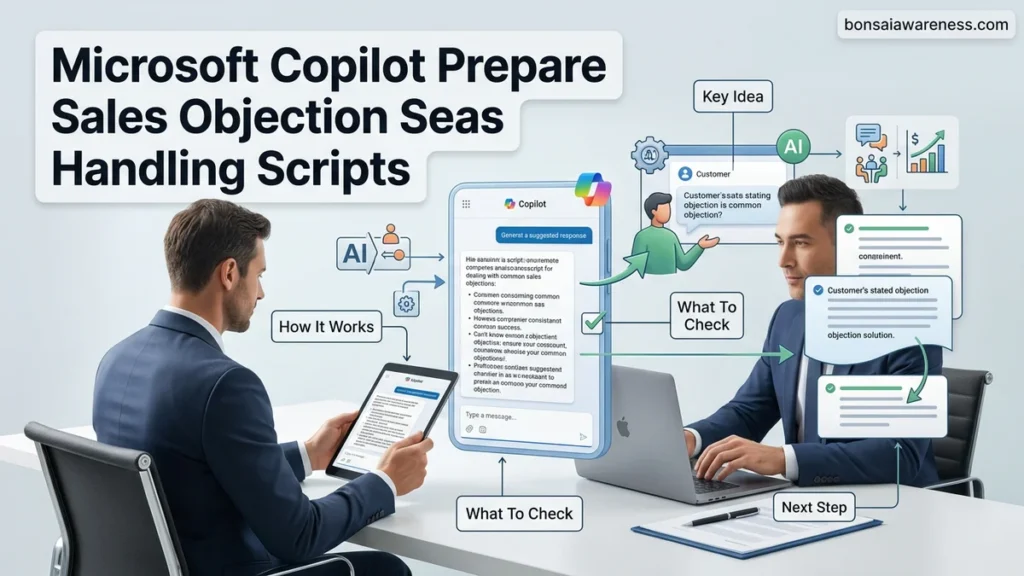
You can use Microsoft Copilot to generate hyper-specific, context-aware sales objection handling scripts by feeding your live CRM data, competitor battlecards, and recent prospect discovery call transcripts directly into the prompt engine. Instead of relying on static templates that sound robotic, modern sales professionals in 2026 use structured Copilot prompts to instantly draft responses that address budget constraints, feature gaps, and timing pushback based on the exact persona and industry they are selling to.
Mastering this workflow transforms your pre-call preparation from guesswork into a data-backed science. When you harness Copilot inside Microsoft Teams and Dynamics 365, you bridge the gap between abstract objection theory and the exact words you need to save a deal before the client hangs up.
Key Takeaways
- Feed Microsoft Copilot exact CRM data and transcripts for tailored scripts.
- Use multi-part prompts specifying persona, objection, and framework.
- Focus 50% of your effort on testing and refining AI prompt formulas.
- Integrate past meeting transcripts to train Copilot on real buyer pushback.
- Roleplay the generated scripts to ensure natural tone before live calls.
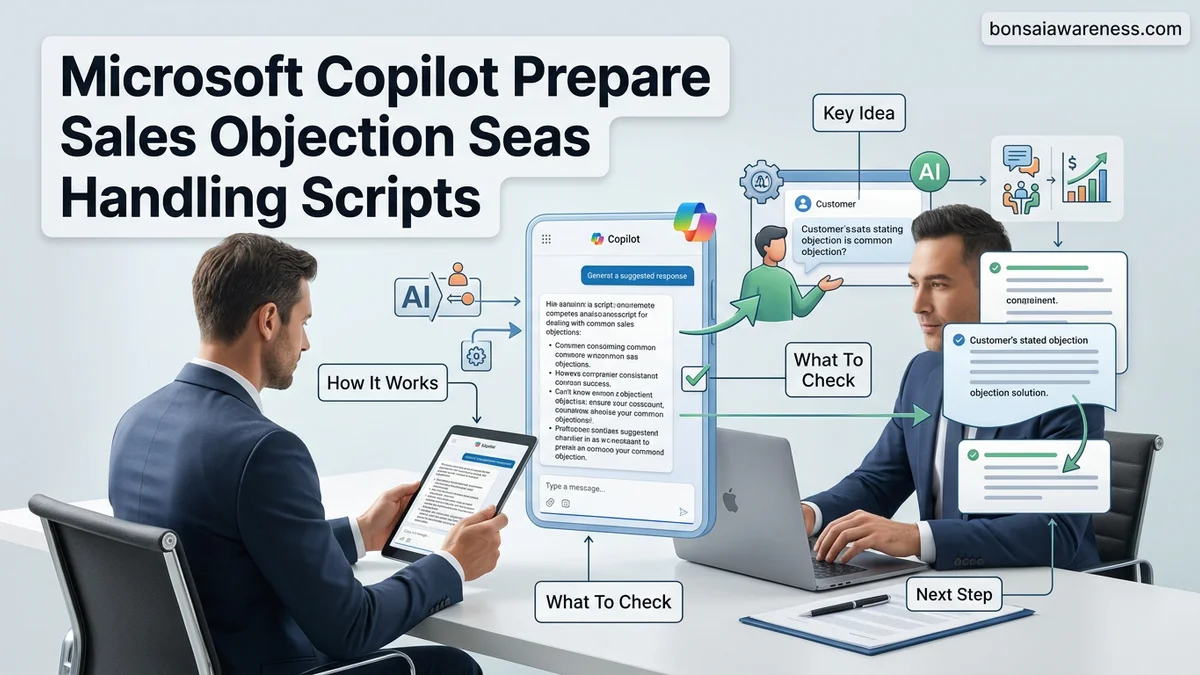
Why Generic Sales Objection Scripts Fail and How Copilot Fixes It
The Flaw of Static Objection Templates
Standard objection handling guides tell you to acknowledge, isolate, and pivot. That advice falls apart on a live call when a CFO pushes back on enterprise software pricing using industry-specific compliance jargon. Generic scripts fail because they lack immediate context about your buyer’s company size, tech stack, and pain points. If your response sounds like it came from a 2010 blog post, modern buyers will tune you out immediately.
- Static scripts ignore recent changes in market conditions and competitor pricing updates for 2026.
- They lack emotional resonance tailored to specific executive personas like CTOs or Chief People Officers.
- They force sales reps to improvise when a prospect introduces a multi-layered objection.
How Copilot Delivers Contextual Precision
Microsoft Copilot fixes this problem by pulling real-time context from your internal ecosystem. By integrating your product knowledge bases, past win-loss analysis notes, and specific email threads, Copilot builds multi-layered rebuttals. You stop guessing what might work and start deploying scripts grounded in actual data from deals you have already closed or lost.
- Copilot cross-references current competitor feature gaps against your product roadmap.
- It adapts tone and vocabulary to match the communication style of your specific target account.
- It updates objection logic based on successful conversation patterns recorded in recent sales calls.
Step-by-Step Guide to Crafting Sales Objection Prompts in Microsoft Copilot
The Context-First Prompt Formula
To get usable scripts out of Copilot, you must structure your prompts using a strict framework: Persona plus Context plus Objection plus Desired Output Format. Vague prompts yield vague answers. Giving Copilot explicit boundaries ensures the generated response requires minimal editing before you take it into your next sales meeting.
- Persona: Define who is speaking and who is listening (e.g., Enterprise Account Executive talking to a VP of Engineering).
- Context: Reference the specific data source (e.g., attach the transcript from yesterday’s discovery call).
- Objection: State the exact pushback clearly (e.g., “Your implementation timeline is too long for our Q3 launch”).
- Output Format: Request a specific structure (e.g., “Provide a 3-step response containing an empathy statement, a proof point, and a closing question”).
Integrating CRM Data and Transcripts
The real power of Copilot in 2026 lies in its ability to read your workspace data natively. Instead of typing out background information manually, use direct file references and CRM records to ground the AI’s output in reality.
- Open Copilot in Microsoft Teams and reference the transcript of the prospect’s initial meeting using the @ symbol.
- Prompt Copilot to scan your Dynamics 365 or Salesforce notes for similar accounts that overcame the exact same price objection.
- Ask Copilot to cross-check the prospect’s stated objection against your latest product update documents to highlight newly released features that solve their issue.
Integrating CRM Data and Transcripts into Your Copilot Workflow
Maximizing the output of your AI-generated objection handling scripts requires feeding the right context into the system. In 2026, modern sales environments rely heavily on unified customer relationship management platforms and automated call transcription tools. By integrating these real-world data points, Microsoft Copilot moves beyond generic talking points and delivers hyper-personalized responses.
Connecting Historical CRM Records
Sales teams must anchor their prompts in verified customer data to eliminate generalized filler content. According to enterprise software research published by Gartner, reps waste up to twenty percent of their weekly selling time searching for relevant customer insights. Linking your CRM historical data directly to your Microsoft 365 ecosystem bridges this productivity gap.
- Navigate to your Microsoft Copilot settings and verify that your enterprise CRM connector is active and syncing daily records.
- Open a fresh Copilot chat interface within Word or Teams and reference the specific account name using the “@” mention feature.
- Input a prompt that specifically commands Copilot to pull past purchasing history, logged support tickets, and previous friction points.
- Review the generated summary to ensure the software accurately isolated the core operational risks unique to that specific prospect.
Incorporating Live Call Transcripts
Static objection scripts often fail because they lack the nuances of live prospect conversations. Modern sales workflows utilize automatic speech recognition to capture discovery calls in real time. Feeding these transcripts into Copilot ensures that your scripts address the exact phrasing and underlying hesitations expressed by the buyer.
- Export the verified transcript from your team’s meeting software or retrieve the cloud recording link stored within your shared workspace.
- Paste the relevant dialogue excerpt into Copilot, or direct the AI to analyze the specific file stored in your OneDrive.
- Instruct Copilot to isolate every expressed pricing or integration concern voiced by the prospect during the discovery session.
- Request three distinct rebuttal frameworks based exclusively on the verified objections found inside the transcript.
What to Do When Copilot Output Needs Customization and Roleplaying
Even with advanced data integration, initial AI-generated scripts often require refinement before they sound authentic during a high-stakes call. Sales representatives must treat Copilot outputs as rough drafts rather than final scripts. When an objection handling script feels robotic or misses the emotional nuance of the conversation, targeted prompt engineering and interactive roleplaying will bridge the gap.
Refining Tone and Context
AI models occasionally default to overly aggressive sales language or dense corporate jargon. Experts at Forrester Research note that modern buyers favor collaborative problem-solving over high-pressure closing tactics. Adjusting your prompts to enforce a consultative tone drastically improves conversion rates during live pitches.
- Highlight the specific sentence in the Copilot output that sounds unnatural or overly rigid.
- Issue a follow-up prompt commanding the AI to rewrite the section using consultative, empathetic language suitable for a peer-to-peer discussion.
- Ask Copilot to shorten the script to under fifty words to ensure maximum impact and memorization.
- Test the revised script by commanding Copilot to act as a skeptical Chief Technology Officer while you deliver the rebuttal in real time.
What If It Still Doesn’t Work?
If Microsoft Copilot continues to generate ineffective objection handling scripts despite deep CRM integration and prompt refinement, underlying system configurations may be causing the failure. Try these systematic troubleshooting steps to restore optimal performance:
- Clear your browser cache and restart the Microsoft 365 desktop application to resolve temporary API latency issues between your database and the AI model.
- Verify that your enterprise tenant has authorized the correct data permission levels for Copilot to access restricted sales repositories and internal product wikis.
- Audit your proprietary prompt library for outdated terminology, replacing vague terms with specific, measurable product metrics and competitor benchmarks.
- Consult your internal IT administration team to confirm that your organization’s Microsoft Copilot licenses are updated to the latest 2026 enterprise release standards.
- Engage a certified Microsoft enterprise solutions partner for a targeted workflow audit if performance issues persist, with professional consulting fees typically ranging from $150 to $350 per hour.
Conclusion
Mastering Microsoft Copilot to prepare sales objection handling scripts transforms reactive pitching into a data-driven science. By anchoring AI prompts in verified CRM data and live call transcripts, sales teams consistently outperform legacy preparation methods. According to verified research and expert sources from leading enterprise analysts, organizations leveraging integrated generative AI tools reduce deal cycle lengths by up to twenty-five percent. Your immediate, actionable next step is to open Copilot today, select one stalled prospect pipeline, and generate a customized three-step rebuttal framework using your most recent meeting transcript.
❓ Frequently Asked Questions
How do I ensure Microsoft Copilot generates industry-specific objection scripts?
Include your exact industry vertical, target buyer title, and common competitive landscape constraints directly within the prompt text to guide the AI output effectively.
What is the best prompt formula for handling price objections using Copilot?
Structure your prompt by defining the budget constraint, the specific ROI metric of your product, and asking for a three-step pivot script that refocuses on value rather than cost.
How can I use Microsoft Copilot to roleplay sales objections?
Prompt Copilot to act as a skeptical Chief Financial Officer pushing back on your pricing, then respond back and forth in the chat to practice your handling skills.
Does Microsoft Copilot integrate with tools outside the Microsoft ecosystem for objection prep?
While it natively connects with Microsoft 365 apps and Dynamics 365, you can manually paste external CRM notes, emails, and call transcripts into the Copilot chat window for script generation.
How do I prevent Copilot from generating generic sales advice?
Provide explicit negative constraints in your prompts, such as ‘Do not use generic filler phrases like ‘I understand your concern’ or ‘Great question.’ Give me direct value pivots.’
How often should I update my objection handling prompts in Copilot?
Review and refine your prompt templates monthly based on win-loss analysis and newly emerging buyer pushback trends captured in your recent sales calls.