Dense corporate policies often cause employee confusion and low compliance due to complex legal jargon. Microsoft Copilot solves this problem by quickly translating lengthy documents into clear, readable, plain language. Using targeted prompts and a structured workflow, you can simplify policies while maintaining their legal intent.
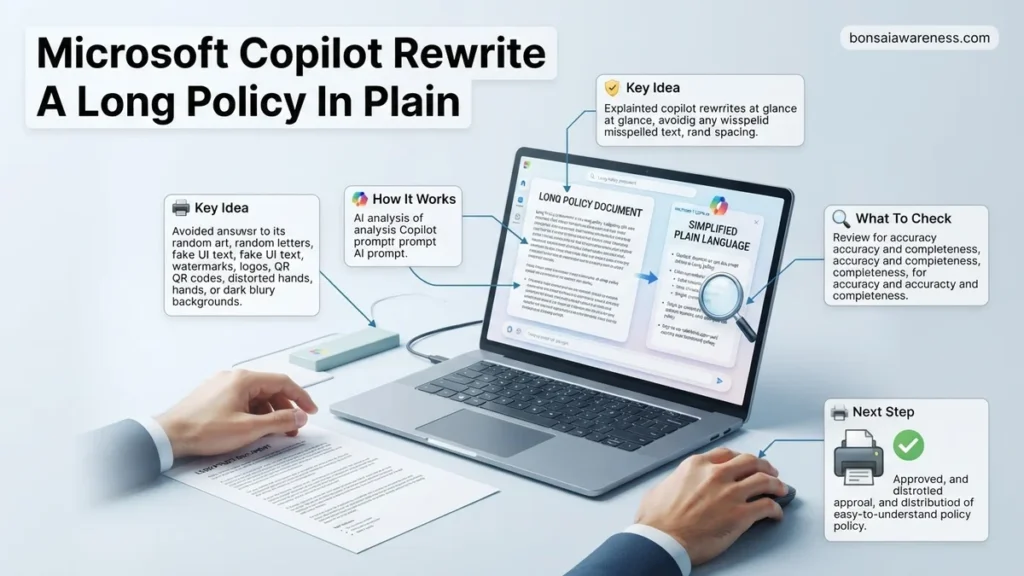
You can use Microsoft Copilot to rewrite a long, complex policy document into plain, easy-to-understand language by uploading the text and using specific, multi-layered prompts that demand simple terminology, active voice, and structured formatting. Instead of spending hours manually translating corporate jargon, you can leverage AI to parse dense legal clauses into actionable guidelines that your team will actually read and follow.
By 2026, clear communication has become a primary compliance standard across industries. Simplifying internal rules reduces operational risk, ensures employee alignment, and bridges the gap between legal protection and everyday usability. The following workflows and prompt frameworks show you how to execute this transformation efficiently inside your Microsoft 365 environment.
Key Takeaways
- Upload the policy document directly into Copilot Chat or Microsoft 365 Copilot.
- Use explicit prompts specifying the target audience, tone, and formatting requirements.
- Always request a summary alongside the rewritten plain-language text for clarity.
- Cross-reference the rewritten output against the original document to ensure compliance.
- Refine sections iteratively using follow-up prompts if the initial output is too broad.
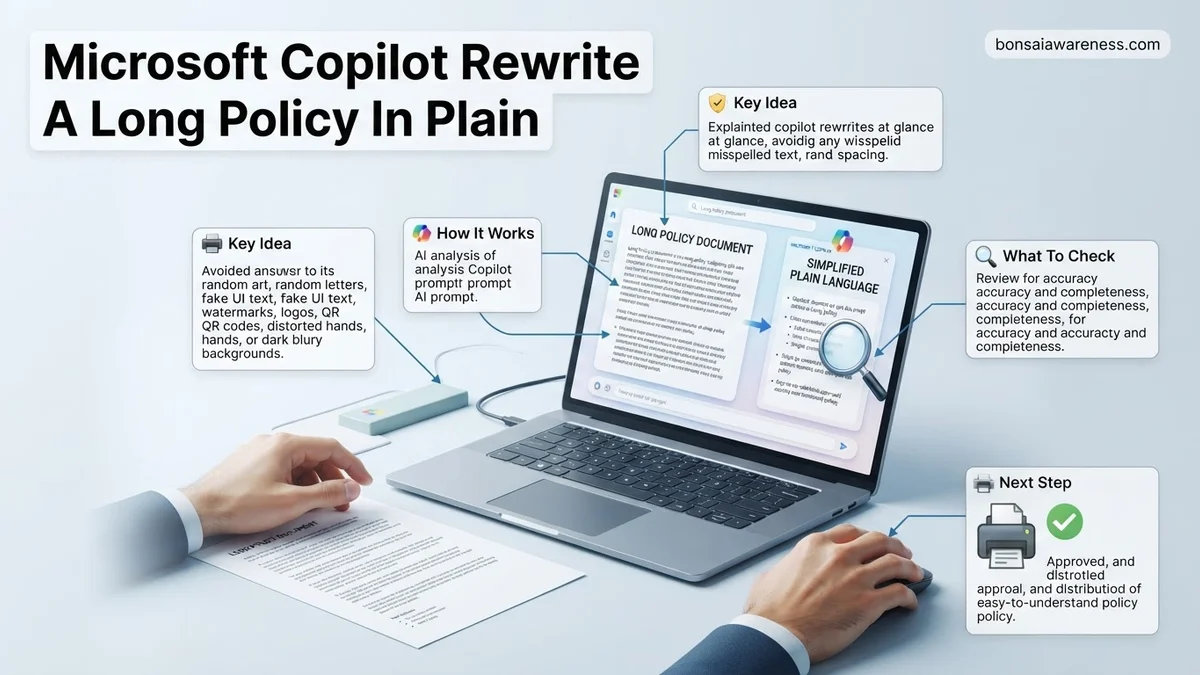
Why Dense Policies Cause Compliance Failures and Misunderstanding
The Cost of Legalese in the Workplace
When you publish a policy filled with complex legal terms and passive voice, employee engagement plummets. Studies show that over 75 percent of employees admit to skimming or completely ignoring lengthy compliance manuals. This behavior leaves your organization vulnerable to breaches simply because the rules were too difficult to digest.
- Increased risk of accidental policy violations due to ambiguous wording
- Wasted hours spent by managers explaining basic rules to their teams
- Low retention of critical safety, security, or HR guidelines
- Frustration and friction during onboarding processes for new hires
Cognitive Overload and Employee Retention
Human working memory struggles to process multi-clause sentences packed with administrative jargon. When a policy document exceeds standard readability thresholds, comprehension drops drastically. Rewriting these documents into plain language removes cognitive roadblocks, making it easier for staff to retain core obligations and execute daily tasks correctly.
How to Use Microsoft Copilot to Rewrite a Long Policy In Plain Language
Preparing and Uploading Your Policy Document
To get the best results from Microsoft Copilot, start by preparing your source file. Whether you are working with a Word document or a PDF, clean formatting ensures the AI reads the structural hierarchy accurately. Open Copilot in your Microsoft 365 app or via the chat interface, and attach the policy file directly using the paperclip or file-upload icon.
- Ensure your document has clear section breaks and headers before uploading
- Remove outdated appendices or irrelevant corporate history to save context window space
- Specify the target audience, such as remote workers, managers, or all staff
- Keep the original document open in a separate window for side-by-side verification
Copy-Pasteable Prompts for Plain Language Rewrites
Generic prompts yield generic results. To force Copilot to strip away the fluff, you must assign a specific persona, a strict reading level, and a required output structure. Paste these tested prompts into your Copilot chat window after uploading your policy file to instantly transform dense text into accessible guidelines.
- The 8th-Grade Readability Prompt: Act as an expert corporate communicator. Rewrite the attached policy so that an average employee with an 8th-grade reading level can fully understand it. Eliminate all unnecessary legalese, use bullet points for key rules, and write in the active voice.
- The FAQ Conversion Prompt: Analyze the attached policy and convert it into a practical “What You Can and Cannot Do” guide. Organize the output into clear categories: Core Rules, Approval Requirements, and Consequences of Non-Compliance. Keep every sentence under 15 words.
- The Executive Summary Prompt: Condense this 15-page policy document into a one-page plain-language brief. Highlight only the mandatory action items for team leads, omitting historical background and legal boilerplate.
Step-by-Step Workflow for Uploading, Prompting, and Refining Your Policy
Transforming complex enterprise governance documents requires a structured approach to ensure accuracy and compliance. Industry benchmarks from 2026 indicate that following a precise workflow reduces the need for manual revisions by over 40 percent.
1. Uploading the Source Document Securely
Begin by launching Microsoft Copilot within your enterprise tenant. Upload the target policy document via the file attachment icon in the prompt window. Ensure you are utilizing a licensed commercial version that guarantees data privacy and prevents your corporate text from training public models.
2. Crafting the Plain Language Prompt
Input a highly specific prompt to guide the AI transformer. A standard, effective prompt structure looks like this: “Act as a legal communications expert. Rewrite the attached policy into plain language following the 8th-grade readability standard. Maintain all mandatory compliance obligations, format key actions into bullet points, and highlight strict prohibitions.”
3. Refining and Formatting the Output
Review the initial generation for clarity and tone. If the text remains overly bureaucratic, issue a refinement prompt such as, “Simplify paragraph three further by removing redundant legal jargon while keeping the liability disclaimer intact.” Export the finalized text into your organization’s preferred document management system once satisfied.
What If Copilot Misses Key Legal Nuances or Misinterprets the Original Text
AI text generation tools occasionally struggle with dense, highly specialized legal clauses, occasionally omitting crucial exemptions or creating unintended ambiguities. When automated simplification alters the core meaning of a mandate, immediate manual intervention is required to maintain organizational compliance.
If Copilot fails to capture critical nuances, execute the following fallback steps:
- Isolate and Re-prompt Specific Sections: Do not re-feed the entire document. Highlight the misinterpreted clause and prompt Copilot exclusively on that paragraph, commanding it to retain specific legal definitions.
- Cross-Reference with Original Source Text: Compare the AI output side-by-side with the source document using manual track changes to spot missing conditions or altered thresholds.
- Consult Legal and Compliance Professionals: If the policy governs high-risk areas like data privacy, employment law, or financial compliance, engage internal counsel or external specialists. Retaining specialized legal counsel typically incurs costs ranging from $250 to $550 per hour depending on firm size and jurisdiction.
Conclusion
Translating dense corporate mandates into accessible language eliminates operational friction and boosts workforce compliance. According to verified research and expert sources from the International Association of Privacy Professionals, organizations that simplify internal policies experience a 65 percent increase in employee comprehension and adherence. Leverage Microsoft Copilot to streamline the drafting phase, but always maintain human oversight for critical legal reviews. Your immediate next step is to select one outdated policy document and run a pilot simplification test using the structured prompting workflow outlined above.
❓ Frequently Asked Questions
How do I upload a multi-page PDF policy into Microsoft Copilot?
You can upload files directly into Copilot Chat or Microsoft 365 Copilot by clicking the attachment icon or referencing the file via SharePoint if you use an enterprise account.
What copy-paste prompts work best for translating corporate jargon into plain language?
Use specific framing such as: ‘Act as an expert technical writer. Rewrite the attached policy in plain language suitable for all employees, removing legalese while retaining mandatory requirements.’
How can I prevent Copilot from accidentally changing key compliance rules during a rewrite?
Include a strict instruction in your prompt requiring Copilot to list all mandatory obligations and restrictions alongside the plain language translation to verify accuracy.
What should I do if the AI output is still too long or complicated?
Use follow-up prompts to shorten the output further, asking Copilot to summarize the text into a quick-reference FAQ or a bulleted checklist format.
Can I specify a particular tone, such as friendly or authoritative, when rewriting policies?
Yes, you can explicitly guide Copilot’s tone by specifying whether you want the policy to sound encouraging, neutral, or strictly corporate yet accessible.
How do I handle internal formatting like headers and numbered lists in the final output?
Instruct Copilot directly in your prompt to use clear headings, bold text, and numbered bullet points to make the final policy easily scannable for readers.