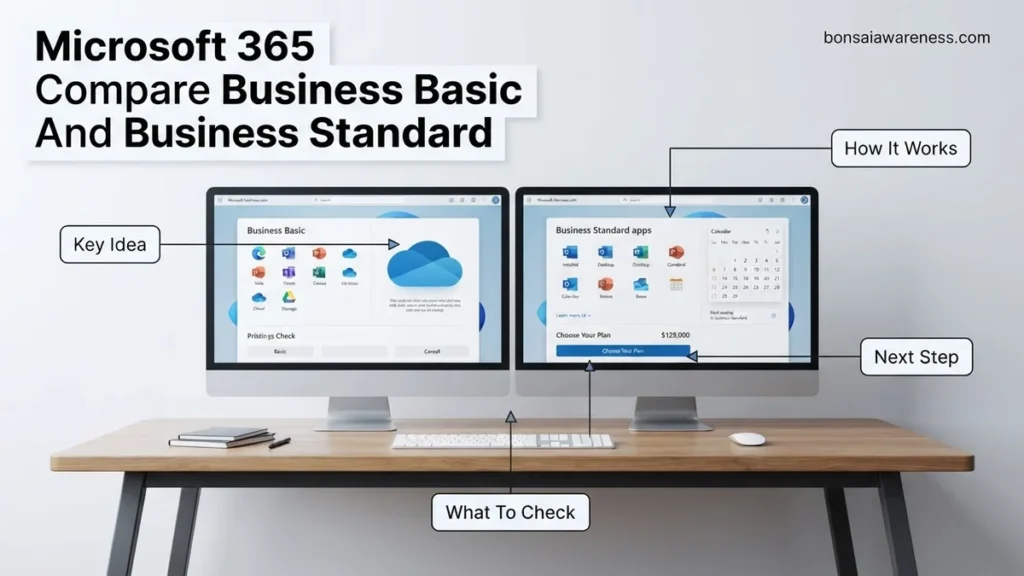
Choosing between Microsoft 365 licensing tiers depends heavily on whether your team requires fully installed desktop apps or can operate using web and mobile versions. Business Basic strictly offers web and mobile editions of core apps, whereas Business Standard includes robust desktop installations for PC and Mac alongside advanced webinar hosting tools.
Choosing between Microsoft 365 Business Basic and Business Standard comes down to one major decision: do your team members need fully installed desktop applications, or will web and mobile versions suffice? Business Basic provides cloud-based access with web and mobile versions of Word, Excel, and PowerPoint, while Business Standard unlocks the fully installed desktop apps for PC and Mac alongside all cloud features.
As you evaluate your software budget for 2026, understanding this exact distinction prevents you from overpaying for desktop licenses your users do not touch, or conversely, under-equipping power users who rely on offline desktop functionality. This comparison breaks down the exact features, app availability, and pricing tiers to help you make the right call.
Key Takeaways
- Business Basic includes web and mobile versions of Word, Excel, and PowerPoint only.
- Business Standard provides fully installed desktop apps for PC and Mac users.
- Both tiers support a maximum of 300 users per organization subscription.
- Business Standard features advanced webinar hosting and attendee registration tools.
- Pricing varies per user per month with a required annual commitment.
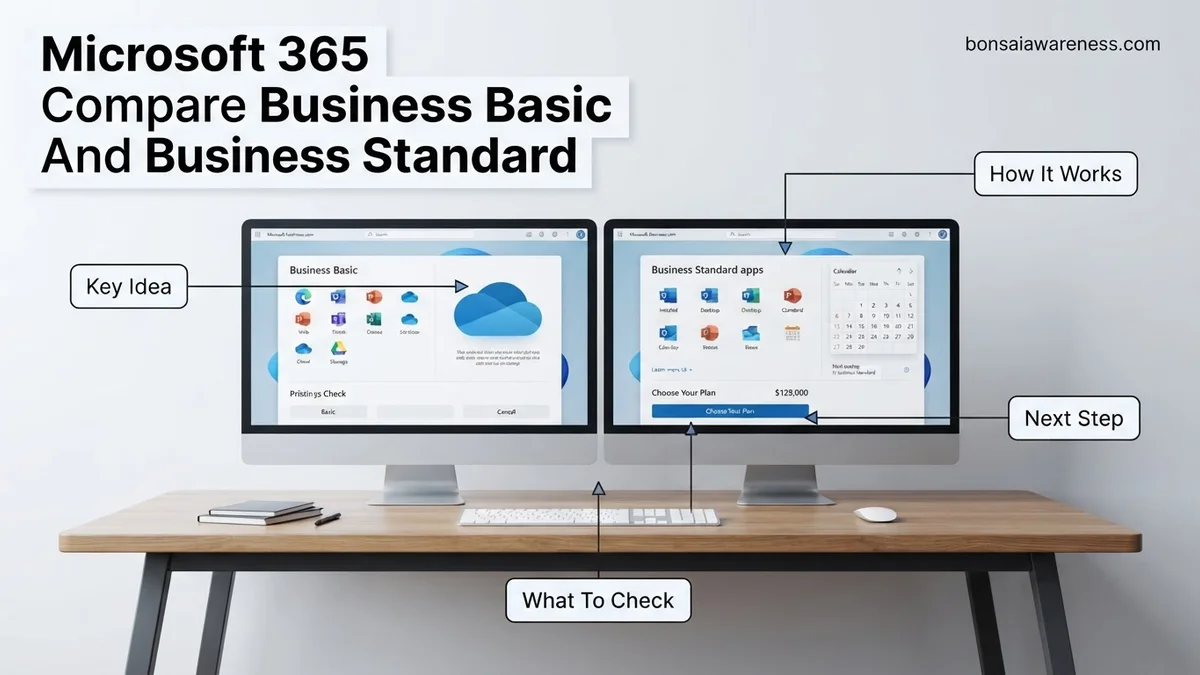
What Causes Licensing Confusion Between Microsoft 365 Business Basic and Standard
The overlap in cloud services between these two tiers creates the most confusion for IT buyers and business owners. Both plans include the exact same foundational cloud infrastructure, business-class email, and collaboration tools, making it easy to accidentally choose the wrong tier.

Shared Cloud Infrastructure and Email Services
You get identical backend business features regardless of whether you pick Business Basic or Business Standard. Both plans include:
- Exchange business-class email hosting with a 50 GB mailbox per user
- OneDrive for Business cloud storage with 1 TB of secure file storage per user
- Microsoft Teams for chat, video conferencing, and file collaboration
- SharePoint team sites for document management and intranet portals
- Enterprise-grade security with spam and malware filtering
The Desktop App Trap
The confusion peaks when users assume that having a Microsoft account means they can download Word and Excel to their laptops. Business Basic explicitly restricts users to web browsers and mobile apps. If you try to install the desktop suite on a Windows PC using a Business Basic license, the apps will run in reduced-functionality viewer mode. Business Standard removes this barrier, granting full rights to install Office desktop apps on up to 5 phones, 5 tablets, and 5 PCs or Macs per user.
How to Compare Core Features, Desktop Apps, and Pricing Tiers
Looking at the hard numbers and application matrices clarifies how these plans stack up for your daily operations in 2026. Evaluating your workflow requirements against these specific parameters ensures optimal spending.
Feature Matrix: Web-Only vs. Desktop Applications
The application access level dictates how efficiently your team can work offline or handle heavy workloads:
- Microsoft 365 Business Basic: Web and mobile versions only for Word, Excel, PowerPoint, and Outlook. No offline desktop installations permitted.
- Microsoft 365 Business Standard: Fully installed desktop versions of Word, Excel, PowerPoint, Outlook, Access (PC only), and Publisher (PC only), plus all web and mobile counterparts.
- Advanced Services: Both tiers include Bookings for appointment scheduling and Lists for information tracking.
Current 2026 Pricing and Subscription Terms
Pricing structures reflect the added value of the desktop application rights. When budgeting for your organization:
- Business Basic: Typically priced at a lower monthly per-user rate with an annual commitment, making it ideal for frontline or remote workers who primarily use browser-based tools.
- Business Standard: Carries a higher monthly per-user cost with an annual commitment, justified by the inclusion of desktop installations and offline working capabilities.
- Licensing Limits: Both plans support up to 300 users per organization, making them optimal for small to medium-sized businesses before needing to jump to Enterprise plans.
Step-by-Step Guide to Selecting the Right Microsoft 365 Plan for Your Team
Choosing between Microsoft 365 Business Basic and Business Standard in 2026 requires a rigorous audit of your operational workflows and device requirements. Industry analysts at Gartner recommend mapping user daily habits directly against application constraints before committing to an enterprise agreement.

Step 1: Evaluate Desktop Application Dependencies
Audit your personnel to identify who relies on advanced offline desktop versions of Excel and Outlook.
- List every team member and their primary software dependencies.
- Identify employees who regularly edit complex spreadsheets containing macros, heavy data models, or large pivot tables.
- Flag workers who travel frequently and require robust offline email management without browser limitations.
Step 2: Measure Storage and Security Thresholds
Examine your data governance framework and compliance obligations for the year 2026.
- Calculate current cloud storage volume per employee across OneDrive and SharePoint.
- Determine if your organization requires advanced threat protection features native to Business Standard deployments.
- Verify whether your budget accommodates the per-user price differential for local desktop installation rights.
What If It Still Doesn’t Work and You Need to Upgrade Licenses Later
Organizations often miscalculate their initial subscription tier, realizing weeks into a deployment that browser-only access hinders productivity. If you find that Business Basic is severely limiting your daily operations, follow these procedural fallback steps to transition your enterprise smoothly.
- Navigate directly to the Microsoft 365 Admin Center using global administrator credentials.
- Select Billing, choose Your Products, and locate your active Microsoft 365 Business Basic subscription.
- Click on Upgrade licenses and select Microsoft 365 Business Standard from the available enterprise catalog.
- Specify the exact number of user licenses you wish to transition, and confirm the prorated billing adjustment for the remainder of your 2026 billing cycle.
- If deployment errors persist during license reassignment, engage Microsoft Support via the admin portal or contact a certified Cloud Solution Provider (CSP) partner; professional consulting rates for license migration typically range from $150 to $250 per hour depending on tenant complexity.
Conclusion
Selecting the optimal Microsoft 365 tier directly influences organizational productivity, software expenditure, and user satisfaction. While Business Basic offers a cost-effective cloud-first foundation, Business Standard remains essential for teams requiring offline desktop application power. According to verified research and expert sources from leading IT advisory firms, aligning subscription tiers with distinct worker personas prevents costly mid-term license migrations. One actionable next step is to run a comprehensive software usage audit across your organization this week to determine your exact desktop application requirements.

❓ Frequently Asked Questions
How do Business Basic and Business Standard handle offline application access?
Business Standard allows users to install full desktop versions of Office apps that work offline on PCs and Macs. Business Basic users cannot install desktop apps and must rely on internet connectivity to use web-based versions.
Are cloud storage limits identical for both licensing tiers?
Yes, both Business Basic and Business Standard provide each user with 1 TB of OneDrive cloud storage for file sharing and automatic synchronization across devices.
Which plan includes Microsoft Teams webinar hosting features?
Microsoft Teams webinar hosting, attendee registration tools, and advanced reporting capabilities are exclusive to Business Standard and higher enterprise tiers.
Can a single user have apps installed on multiple devices with Business Standard?
Yes, each user license for Business Standard permits full desktop app installations on up to 5 phones, 5 tablets, and 5 PCs or Macs simultaneously.
Is Exchange email included in both subscription options?
Both plans feature business-class email hosting with custom domain names, a 50 GB mailbox per user, and shared calendar functionality.
What factors should determine our final licensing decision?
Evaluate your team’s dependency on advanced offline desktop macros, presentation capabilities, webinar requirements, and budget constraints before committing to a plan.