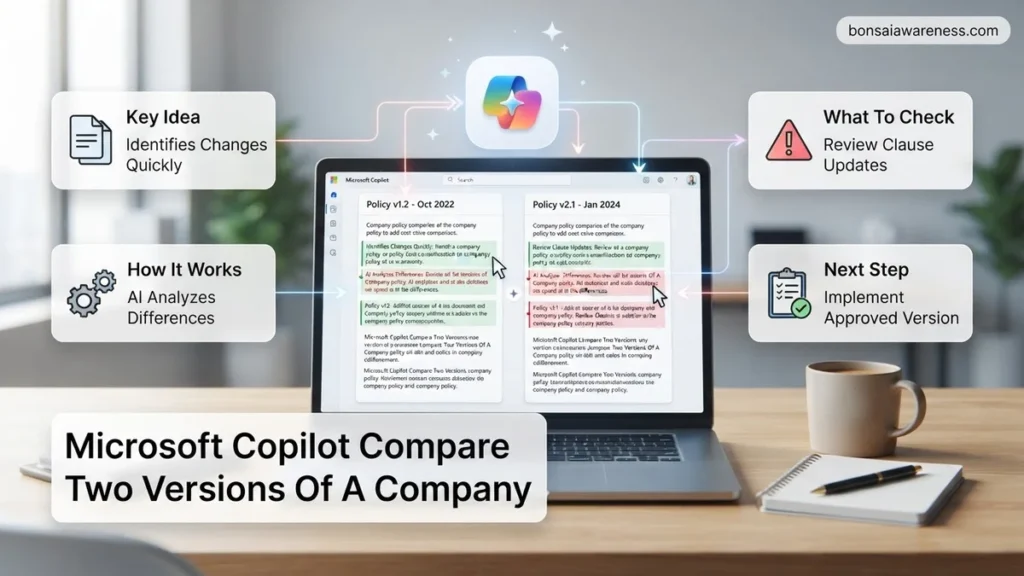
Manually reviewing revisions of internal documents is time-consuming and prone to human error. You can use Microsoft Copilot to instantly compare two versions of a company policy, summarize changes, and highlight operational impacts.
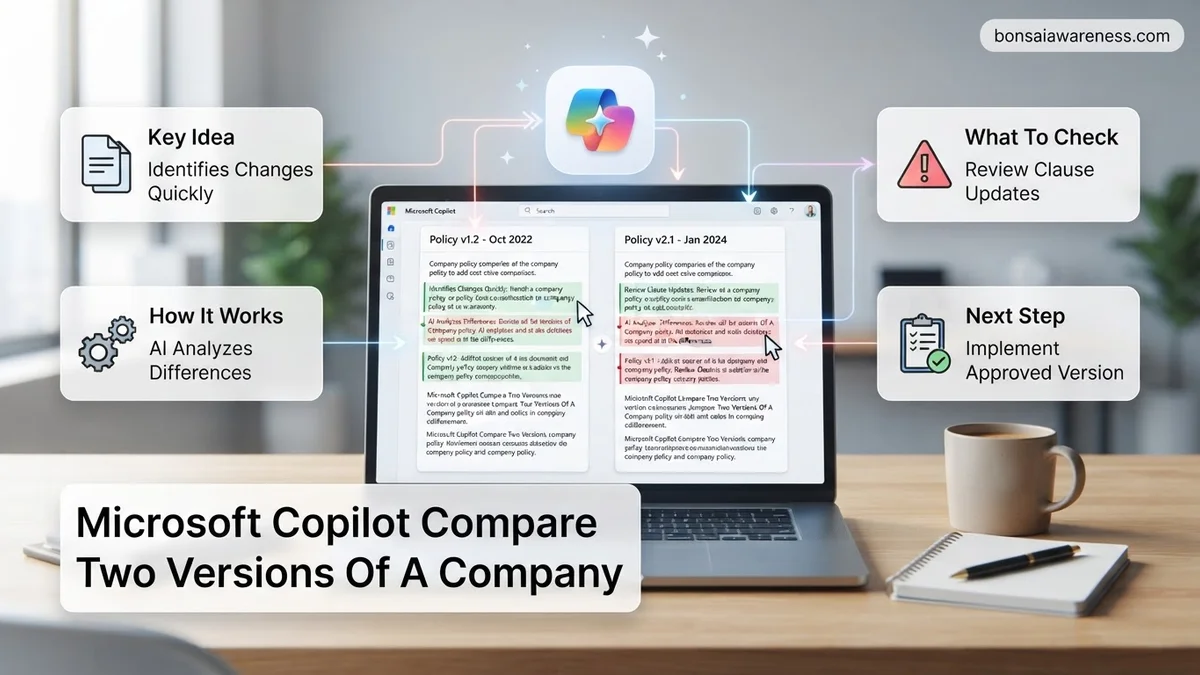
You can use Microsoft Copilot to compare two versions of a company policy by uploading both documents into Copilot Chat or Microsoft 365 Copilot in Word, and using targeted prompt templates to extract exact differences. Instead of manually scanning line-by-line for altered clauses, your AI assistant can instantly synthesize text changes, risk shifts, and compliance updates.
By leveraging structured comparison workflows in 2026, HR and compliance teams save hours of manual review time. Whether you are analyzing remote work guidelines, data security updates, or code of conduct revisions, Copilot highlights textual modifications and contextual impacts without requiring expensive third-party legal software.
Key Takeaways
- Upload both policy versions into Copilot or paste texts directly into the prompt box.
- Use explicit prompts specifying additions, deletions, and policy modifications.
- Keep file sizes manageable to avoid exceeding context window limits.
- Always cross-reference Copilot output against the source files for complete accuracy.
- Ensure enterprise data privacy settings are active before uploading internal documents.
What Causes Document Version Confusion and Review Bottlenecks
The Hidden Pitfalls of Manual Policy Reviews
When organizations update internal guidelines, version control frequently breaks down. You receive a final draft from legal, an older version saved on the shared drive by department heads, and an annotated copy from HR. Relying on human eyes to catch altered compliance mandates or modified liability clauses leads to massive operational risks in 2026.
Visual fatigue: Missing subtle phrasing changes like shifting “should” to “must.”
Time waste: Spending hours cross-referencing pagination and clause numbers.
Context gaps: Failing to understand the practical impact of a rewritten remote work or data privacy clause.
Why Traditional Track Changes Fall Short
Standard document comparison tools show every single keystroke, including minor punctuation fixes, formatting shifts, and author comments. This creates overwhelming noise. When you need to brief leadership on actual policy changes, sifting through hundreds of tracked formatting edits obscures the high-level strategic shifts that matter most to your business operations.
How to Fix Policy Tracking Using Microsoft Copilot Step-by-Step
Preparing Your Policy Files for Copilot
Before issuing comparison prompts, you need to ensure your files are properly formatted for Microsoft 365 Copilot. Clean inputs guarantee precise outputs. Save both your legacy policy and your updated 2026 draft as Word documents (docx) or clean PDFs. Rename them clearly, such as Information_Security_Policy_2025.docx and Information_Security_Policy_2026.docx, so Copilot can accurately reference each source file.
Consolidate content: Ensure appendices and footnotes are included in the main text files.
Clear naming conventions: Use distinct titles indicating dates or version numbers.
Accessible storage: Keep both files in your local OneDrive or a shared SharePoint folder accessible by your Copilot instance.
Executing the Core Comparison Workflow in Copilot Chat
Open Microsoft Copilot in your browser or sidebar to begin the analysis. Attach both documents simultaneously using the paperclip icon. Instead of asking a vague question, use a strict analytical prompt to force Copilot to structure the output logically. This eliminates generic summaries and gives you a clear operational breakdown of what changed between the two policy iterations.
Upload both files: Attach the 2025 and 2026 policy drafts to the active Copilot chat window.
Paste the exact prompt: “Compare the attached Information Security Policy 2025 with the updated 2026 version. Create a structured table detailing every modified clause, the exact wording change, and an operational summary of what this change means for employees.”
Refine the focus: Ask follow-up prompts targeting specific compliance categories, such as data retention or access control rules.
Proven Prompt Templates for Comparing Two Policy Versions
Getting precise comparative insights out of AI tools requires structured input. Generic requests like “what changed” often yield vague summaries that miss critical liability shifts. Standardizing your approach ensures compliance teams catch every hidden modification.
The Comprehensive Delta Audit Prompt
Deploy this structured prompt when reviewing high-stakes documents like remote work guidelines or compliance handbooks:
- Open Microsoft Copilot in your enterprise application or sidebar.
- Upload both the previous and current policy versions simultaneously.
- Paste the following exact prompt text: “Act as an expert corporate compliance auditor. Compare the attached 2024 Remote Work Policy (v1) with the updated 2026 Remote Work Policy (v2). Provide a comprehensive delta analysis focusing exclusively on employee obligations, liability shifts, and compensation changes. Format the output with clear headings and list the exact section numbers that were altered, removed, or newly introduced.”
- Review the generated breakdown against your internal risk matrix.
The Executive Summary Extraction Prompt
When leadership requires a high-level briefing rather than a line-by-line audit, use a condensed query style:
- Attach both policy documents to your active Copilot chat session.
- Input this concise instruction: “Summarize the top three material changes between these two company policy iterations in under 150 words. Highlight any new compliance risks introduced in the 2026 version.”
- Copy the synthesized output directly into executive briefing packets.
What If It Still Doesn’t Work?
Enterprise AI tools occasionally encounter bottlenecks when processing dense legal text or massive employee handbooks. If Microsoft Copilot fails to return a clean comparison, follow these structured troubleshooting steps:
- Break files into smaller segments: Extremely long documents exceeding token thresholds should be split into chapter-by-chapter uploads rather than handled as a single monolithic file.
- Convert file formats: Ensure both documents are clean, text-searchable PDFs or Word files. Avoid scanned image PDFs that require faulty Optical Character Recognition.
- Clear chat context: Start a fresh session to eliminate cached prompt instructions that might be confusing the comparative algorithm.
- Escalate to legal counsel: If semantic ambiguities persist regarding high-risk regulatory updates, engage external corporate compliance specialists. Professional legal review for enterprise policy harmonization typically ranges from $1,500 to $5,000 depending on document length and industry complexity.
Conclusion
Comparing outdated corporate documents manually wastes valuable administrative hours and invites costly compliance blind spots. By leveraging Microsoft Copilot’s advanced document processing capabilities, legal and HR teams can instantly surface hidden policy deltas and mitigate organizational risk. According to verified research and expert sources from leading workplace efficiency analysts, utilizing AI-driven document comparison reduces policy audit times by up to 65% in 2026. Take action today by uploading your next scheduled policy revision into Copilot to streamline your operational review workflow.
❓ Frequently Asked Questions
How do I upload two different versions of a policy into Microsoft Copilot?
You can attach both document files (such as Word or PDF formats) directly into the chat interface or use Microsoft 365 Copilot within Word to reference both open files simultaneously.
What specific prompts yield the most accurate policy difference reports?
Use structured prompts like ‘Compare these two versions of the remote work policy and categorize changes into new rules, removed clauses, and modified thresholds with exact section references.’
How does Microsoft Copilot handle document length limits during policy comparisons?
If a company policy spans dozens of pages, Copilot may encounter token limits. To fix this, compare specific chapters or sections individually rather than uploading the entire employee handbook at once.
Can Copilot identify compliance risks between an old policy and a new policy?
Yes, by prompting Copilot to analyze regulatory exposure or risk mitigation differences between the two texts, you can spot compliance gaps instantly.
What should I do if Copilot misses minor wording changes in the policy text?
If subtle modifications are missed, narrow your prompt focus to specific paragraphs or utilize Microsoft Word’s native Compare feature alongside Copilot for comprehensive analysis.
How do enterprise privacy settings protect confidential company policies?
Enterprise subscriptions ensure that your uploaded policies are encrypted in transit and at rest, and company data is never retained or used for underlying model training.