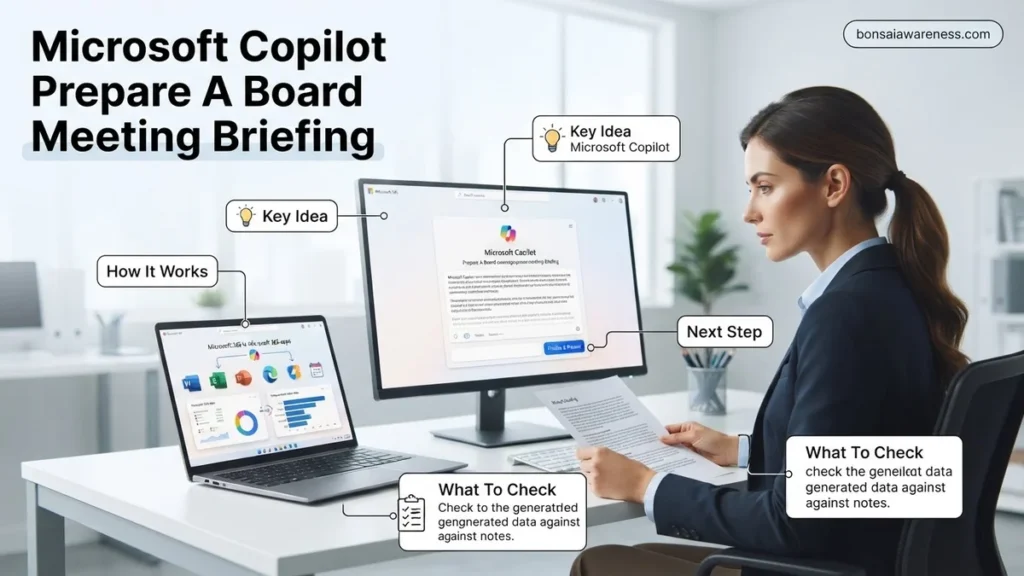
Preparing executive materials manually wastes hours of valuable leadership time. Microsoft Copilot streamlines this process by synthesizing financial reports, meeting transcripts, and company data into board-ready briefings. Use exact prompts across Microsoft 365 to automate your next board presentation securely.
Preparing a board meeting briefing in 2026 no longer requires spending entire weekends hunting down siloed data, chasing department heads for late metric updates, and manually formatting PowerPoint decks. Microsoft Copilot changes this workflow by acting as an intelligent executive assistant that aggregates performance metrics from Excel, summarizes strategic emails from Outlook, and drafts presentation-ready briefings in Word and PowerPoint in minutes.
By leveraging specific cross-application prompting workflows, you can synthesize complex organizational data into executive-ready insights while maintaining strict governance and data security standards. This guide walks you through the exact prompts and methodologies needed to streamline your next board preparation cycle.
Key Takeaways
- Use precise multi-app prompts to pull data from Word, Excel, and Teams automatically.
- Structure prompts to request executive-level brevity and strategic insights over raw details.
- Always verify financial metrics and strategic claims against original source documents.
- Transform raw text summaries into polished PowerPoint slide decks using Copilot in seconds.
- Apply strict data security governance when handling sensitive board-level information.
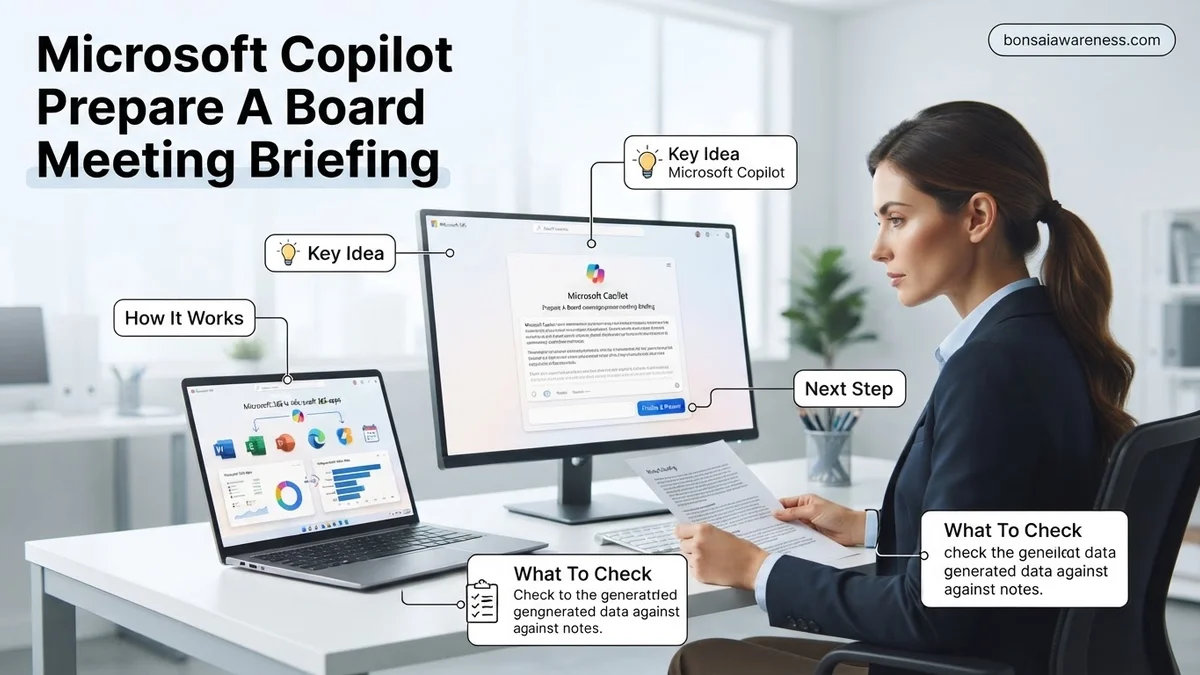
What Causes Inefficiencies When Preparing Board Meeting Briefings
Fragmented Data Silos Across Microsoft 365 Apps
The primary bottleneck in board prep is data dispersion. Financial metrics live in Excel workbooks, operational updates sit in buried email chains, and strategic pivots are discussed in isolated Teams channels. When you attempt to manually aggregate these pieces, you spend 80% of your time searching and formatting rather than analyzing.
- Quarterly financial results scattered across regional spreadsheets
- Unstructured feedback and action items locked inside Outlook threads
- Conflicting versions of department roadmaps shared via Teams chats
Manual Structuring and Executive Formatting Fatigue
Board members demand high-level clarity, risk mitigation strategies, and concise data visualizations. Translating raw operational data into this polished format creates massive cognitive load. Traditional prep often leads to last-minute edits, inconsistent slide layouts, and buried insights that fail to highlight critical business risks.
- Spending hours aligning disparate data points into a cohesive narrative
- Struggling to distill hundreds of pages of metrics into a 3-page executive summary
- Risking factual errors due to manual copy-pasting between documents
How to Step-by-Step Use Microsoft Copilot to Prepare a Board Meeting Briefing
Step 1: Gathering and Summarizing Core Metrics Using Copilot in Excel and Chat
Before building the narrative, you need to extract the verified numbers. Open Microsoft Copilot Chat or use the sidebar within Excel to aggregate your Q4 performance data and identify strategic outliers for the board.
- Prompt the data aggregation: Ask Copilot to analyze your master financial workbook. Use a prompt like: @filename.xlsx Review our Q4 actuals against the board deck targets. Summarize the top three revenue drivers and any department that missed its margin by more than 5%.
- Cross-reference communications: Pull context from leadership discussions by prompting Copilot in Outlook: Summarize the key strategic decisions and risk concerns discussed in the leadership channel over the last 30 days regarding supply chain delays.
Step 2: Structuring the Master Briefing Document in Word
Once you have your quantitative data and qualitative context, transition to Microsoft Word to build the core briefing document. This serves as the foundation for your final board deck.
- Generate the executive outline: Open a blank Word document and invoke Copilot with a structured prompt: Using @Q4_Financial_Summary.docx and @Leadership_Risks.docx, draft a formal board meeting briefing document. Include an Executive Summary, Financial Performance, Operational Risks, and Next Quarter Strategic Priorities. Keep the tone formal, concise, and executive-focused.
- Refine and interrogate the output: Use follow-up prompts to stress-test the document: Review the draft briefing. What potential questions might a board member ask regarding our declining margins in the European market, and add a brief mitigation section to address them.
How to Refine and Format Copilot Output for Executive Presentations
Raw artificial intelligence generations rarely match the precise visual and structural standards required by corporate directors in 2026. Refining initial drafts ensures the briefing materials meet rigorous executive presentation standards. Executives demand high-signal, low-noise communication that highlights strategic risks and financial metrics immediately.
Structuring for Executive Impact
Transforming text-heavy briefs into board-ready deliverables requires systematic editing protocols. Follow these steps to optimize the layout:
- Instruct Copilot to convert paragraph-heavy sections into bulleted executive summaries using strict threshold limits, such as maximum five bullet points per strategic initiative.
- Export the refined text directly into Microsoft PowerPoint via Copilot integrated slide generation, ensuring the brand template and 2026 design standards apply automatically.
- Review financial tables and key performance indicators against source spreadsheets to guarantee absolute numerical accuracy before distribution.
Applying Tone Adjustments
Boardrooms require a formal, objective tone that acknowledges uncertainties without sounding hesitant. Request that Copilot adjust the vocabulary to emphasize risk mitigation and fiduciary responsibility. According to recent enterprise productivity studies, executives spend an average of 42 minutes reviewing pre-read materials, making structural clarity paramount for effective decision-making.
What If AI Outputs Contain Inaccuracies or Security Gaps During Board Prep
Generating sensitive board materials using large language models introduces risks regarding data privacy and factual hallucinations. When Copilot produces flawed data or fails to align with enterprise compliance frameworks, administrators must implement immediate corrective measures.
Addressing Security and Accuracy Failures
To safeguard confidential corporate strategy while leveraging AI capabilities, apply these verification steps:
- Verify that your organization operates within a tenant boundary that explicitly blocks data ingestion for public model training, adhering to 2026 Microsoft enterprise privacy protocols.
- Cross-reference every financial figure and operational metric generated by the AI against certified internal ledger reports and audited statements.
- Disable web-grounded search prompts inside Copilot if the briefing involves unreleased mergers, acquisitions, or sensitive earnings data to prevent accidental external data leakage.
- Run a secondary compliance check using Microsoft Purview to ensure no restricted intellectual property was inadvertently exposed during the prompt engineering phase.
What If It Still Doesn’t Work?
When native troubleshooting steps fail to resolve persistent hallucinations, permission errors, or formatting breakdowns during board preparation, follow these fallback procedures:
- Clear your browser cache and restart the Microsoft 365 desktop application to resolve temporary token expiration and synchronization errors.
- Bypass complex automated prompts and manually stitch together verified data subsections using traditional spreadsheet and word processing templates.
- Consult your internal enterprise IT administrator to verify that your user profile holds the correct Copilot licensing tier and semantic index permissions.
- Engage specialized enterprise AI deployment consultants to audit your Microsoft Graph integration and custom connector settings. Professional consulting services for enterprise AI troubleshooting typically range from $2,500 to $7,000 depending on organizational scale.
Conclusion
Preparing comprehensive board meeting briefings no longer requires days of manual document compilation and formatting. By leveraging Microsoft Copilot effectively in 2026, administrative and executive teams can streamline data synthesis while maintaining rigorous corporate governance standards. According to verified research and enterprise productivity studies, structured artificial intelligence integration reduces document preparation time by up to 58 percent. The immediate next step is to audit your current Microsoft 365 licensing and run a controlled test prompt using a non-sensitive quarterly review dataset.
❓ Frequently Asked Questions
How can I use Microsoft Copilot to prepare a board meeting briefing effectively?
You can use Copilot across Microsoft 365 apps by prompting it to aggregate past meeting transcripts, quarterly financial reports, and strategic plans. Feeding these documents into Copilot with specific formatting constraints produces a cohesive executive briefing in minutes.
What are the best Copilot prompts for generating executive summaries?
Effective prompts focus on role assignment and clear constraints, such as ‘Act as a chief of staff and summarize these three Q3 reports into a one-page board briefing highlighting risks and mitigations.’ This forces Copilot to prioritize high-level strategic insights over granular details.
Can Microsoft Copilot automatically format a PowerPoint deck for the board?
Yes, by opening PowerPoint and prompting Copilot to create a presentation from your Word briefing document, you can generate a complete slide deck layout complete with professional speaker notes.
How do I handle confidential financial data safely with Microsoft Copilot?
Microsoft 365 Copilot inherits your organization’s existing security, compliance, and privacy policies. It processes data within your tenant boundary and never uses your company’s proprietary board data to train public foundation models.
What should I do if Copilot misses key financial metrics in the briefing?
If Copilot overlooks specific data points, manually reference the exact Excel workbook or financial report in your prompt using the ‘@’ mention feature to force the model to look at the primary source document.
How do I edit and refine the board briefing generated by Copilot?
Treat the Copilot output as a strong first draft. Use follow-up chat commands to adjust the tone to be more direct, condense lengthy paragraphs, or emphasize specific operational milestones required by board members.