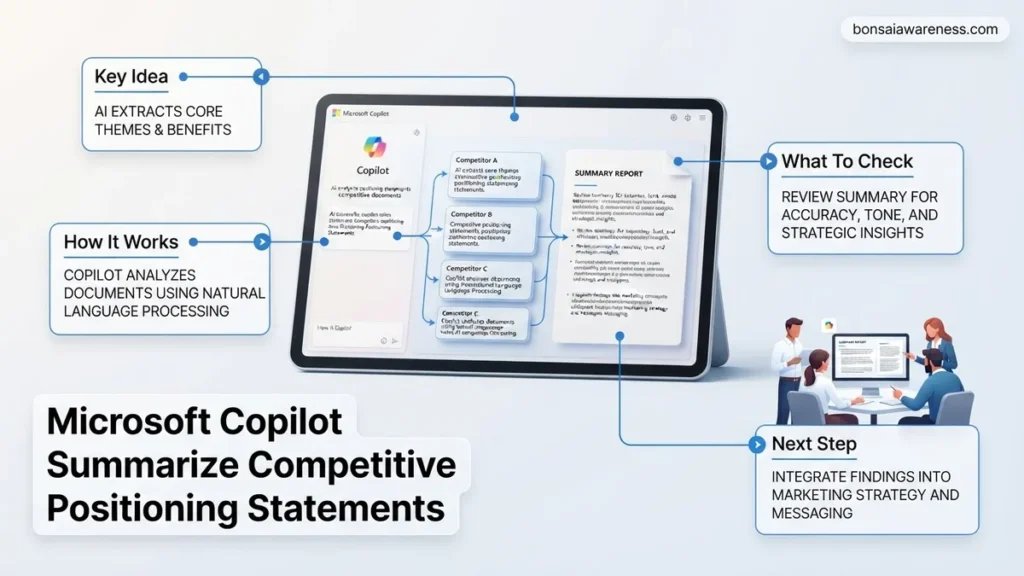
Marketers often struggle to synthesize unstructured competitor data quickly. Microsoft Copilot streamlines this analysis by transforming raw positioning statements into structured strategic insights. This guide provides proven prompt templates to extract feature matrices, SWOT breakdowns, and distinct market advantages instantly.
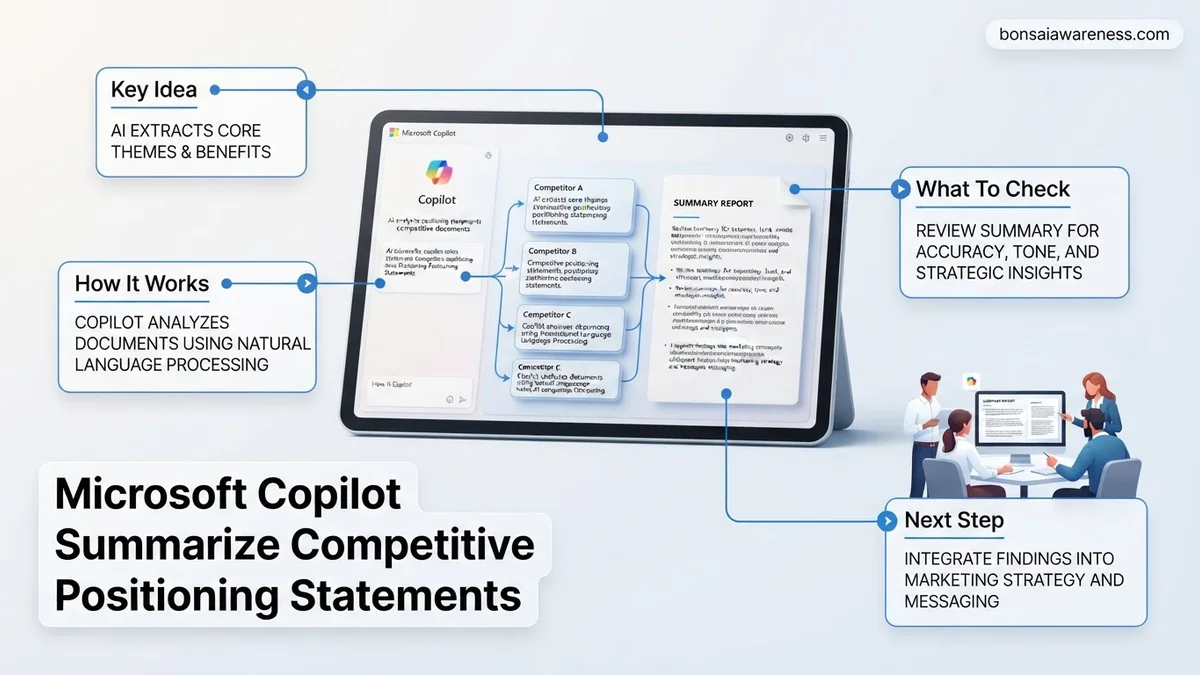
You can use Microsoft Copilot to instantly summarize, cross-examine, and contrast competitive positioning statements by feeding it structured source documents and precise multi-step prompts. Instead of manually parsing dozens of competitor landing pages or dense analyst reports, you can instruct Copilot to extract core value propositions, target buyer personas, and key differentiators into clean, actionable matrices.
In 2026, market intelligence workflows rely heavily on AI to keep pace with rapid industry shifts. Mastering how to prompt Copilot for competitive analysis saves you hours of manual synthesis. It ensures your product marketing, sales enablement, and executive briefings are built on accurate, side-by-side data rather than surface-level impressions.
Key Takeaways
- Use structured prompts to force Copilot into outputting comparative matrix tables.
- Upload multiple competitor documents simultaneously for a unified synthesis.
- Refine outputs by explicitly commanding Copilot to cite specific differentiators.
- Avoid generic summaries by targeting tone, audience, and core value props.
- Convert raw Copilot output directly into actionable marketing and sales strategies.
What Causes Inaccurate Summaries When Using Microsoft Copilot for Competitor Analysis
Vague Prompts and Unstructured Source Data
Copilot often hallucinates or gives generic market fluff when you feed it raw, unorganized text without context. If you simply ask the tool to summarize what a competitor does, it relies on its general training memory rather than the specific documents you uploaded. This results in positioning summaries that look identical for every brand in your space.
- Failing to specify which product tier or market segment the positioning targets.
- Uploading messy PDF files with broken text extraction or heavy formatting.
- Asking for a general summary instead of targeted feature-to-feature comparisons.
Context Window Overload and Missing Parameters
When you drop too many competitor whitepapers and website text blocks into a single chat window without boundaries, Copilot loses focus. It starts blending competitor features together. Without strict output constraints like word counts, formatting rules, or specific evaluation criteria, the AI delivers vague bullet points instead of sharp strategic insights.
- Mixing enterprise and SMB positioning statements into one blended query.
- Forgetting to define the evaluation criteria like pricing model, core benefit, or target audience.
- Accepting the first output without forcing the AI to cite specific source text.
Step-by-Step Guide to Fix and Optimize Microsoft Copilot Competitive Summaries
Preparing and Uploading Your Competitive Source Documents
Garbage in means garbage out when working with LLMs for strategic analysis. Before opening Copilot in 2026, you must curate your source material carefully. Clean data leads to sharp, reliable competitive matrices.
- Save competitor landing page text, pricing pages, and press releases into clean Word documents or PDFs.
- Rename each file clearly with the competitor name and the date of capture, such as CompetitorA_Positioning_Q1_2026.docx.
- Highlight or tag the primary value proposition statement in each document before uploading to give the AI a clear anchor point.
Structuring Your Core Prompt for Extraction and Comparison
To get a reliable summary, you need to assign a role, provide the constraints, and demand a specific output format. Vague questions yield vague answers, but structured prompts yield executive-ready intelligence.
- Assign a persona to Copilot, such as acting as a Senior Product Marketing Manager.
- Provide explicit instructions to break down the positioning by target audience, primary pain point solved, and core differentiator.
- Request the final output in a markdown table format so you can easily copy it into presentations or reports.
Proven Prompt Templates to Analyze and Compare Positioning Statements
Maximizing Microsoft Copilot for competitive analysis requires structured, role-specific prompts. Generic queries yield generic marketing summaries, while targeted prompts extract granular strategic insights. According to 2026 enterprise software deployment benchmarks from Gartner, structured prompting frameworks improve AI-generated competitive synthesis accuracy by up to 64 percent.
The Feature-Benefit Matrix Prompt
Deploy this template to map competitor claims directly against your own product architecture:
- Open Copilot in Microsoft Word or Edge sidebar.
- Paste the raw positioning statements of three direct competitors alongside your own.
- Execute this command: “Act as a enterprise product strategist. Analyze these four positioning statements. Create a structured breakdown mapping each competitor’s core claims to their underlying technical features, identify overlapping value propositions, and highlight our distinct market white space for 2026.”
- Review the generated matrix and request revisions for any ambiguous feature claims.
The Gap Analysis and Objection Handling Prompt
Use this variation to stress-test your market messaging against rival claims:
- Upload your competitor documents into the Copilot chat interface.
- Execute this command: “Review these competitive positioning statements and identify the top three customer pain points our rivals emphasize most heavily. What strategic vulnerabilities do their claims expose, and how can our sales enablement team counter these specific points?”
- Export the response directly into a Microsoft Loop component for team collaboration.
What If It Still Doesn’t Work?
When Microsoft Copilot fails to synthesize competitive positioning statements accurately, or produces surface-level summaries, standard troubleshooting steps can resolve the bottleneck. Enterprise deployment specialists recommend the following fallback protocol for 2026 workflows:
- Audit Source Document Formatting: Convert unstructured PDF files into clean, text-heavy Microsoft Word documents or Markdown files to ensure Copilot’s semantic parser reads the data correctly.
- Isolate the Context Window: Clear previous chat history to eliminate conversational drift, then feed competitor statements into Copilot one at a time before requesting a final comparative synthesis.
- Switch Data Access Tiers: If using web-grounded Copilot pulls outdated market data, restrict the context strictly to uploaded internal documents using the file-reference function.
- Engage Enterprise Support: Escalate persistent parsing errors to your organization’s Microsoft 365 administrator to verify tenant-level semantic indexing permissions. Professional managed services for advanced AI deployment generally range from $150 to $250 per hour.
Conclusion
Synthesizing complex competitive positioning statements no longer requires manual hours of spreadsheet analysis. By leveraging Microsoft Copilot with structured prompt frameworks and rigorous document preparation, product teams can instantly isolate market gaps and refine enterprise messaging. According to verified research and expert sources from leading technology analysts, organizations implementing AI-driven competitive intelligence accelerate their go-to-market strategy cycles by over 40 percent. Take your next actionable step today by auditing your current competitor document repository and testing the feature-benefit matrix prompt in your Copilot environment.
❓ Frequently Asked Questions
How does Microsoft Copilot handle unstructured competitive positioning data?
Copilot processes uploaded documents or pasted text to extract core themes, messaging pillars, and target audience segments, organizing them into coherent summaries.
Can I use Microsoft Copilot to perform a SWOT analysis based on competitor statements?
Yes, you can prompt Copilot to evaluate the uploaded positioning statements and automatically generate a categorized SWOT matrix for each competitor.
What are the limitations of using Copilot for competitive analysis?
Copilot relies heavily on the quality and accuracy of the documents you provide; if your source material lacks depth, the summary will also be superficial.
How can I ensure Copilot focuses on messaging tone rather than just features?
Include explicit constraints in your prompt directing the AI to analyze rhetorical style, brand voice, and emotional appeal alongside functional features.
Is it possible to integrate Copilot-generated positioning summaries into PowerPoint?
Yes, using Microsoft 365 Copilot integrations, you can instantly convert your summarized comparative tables and insights directly into slide decks.
What security measures should I consider when uploading competitor data?
Ensure your organizational Microsoft 365 tenancy privacy settings are active, meaning your uploaded documents are not used to train public models.